
In the competitive world of online advertising and brand management, your personal brand is your strongest asset. Recruiters don’t just look for resumes anymore; they look for proof of competence. This is where LinkedIn profile optimization for digital marketing becomes essential.
Whether you are an SEO specialist, a content strategist, or a PPC expert, your profile must scream “results.” This guide will walk you through every step of transforming your LinkedIn presence from a static resume into a dynamic lead-generating machine for your career.
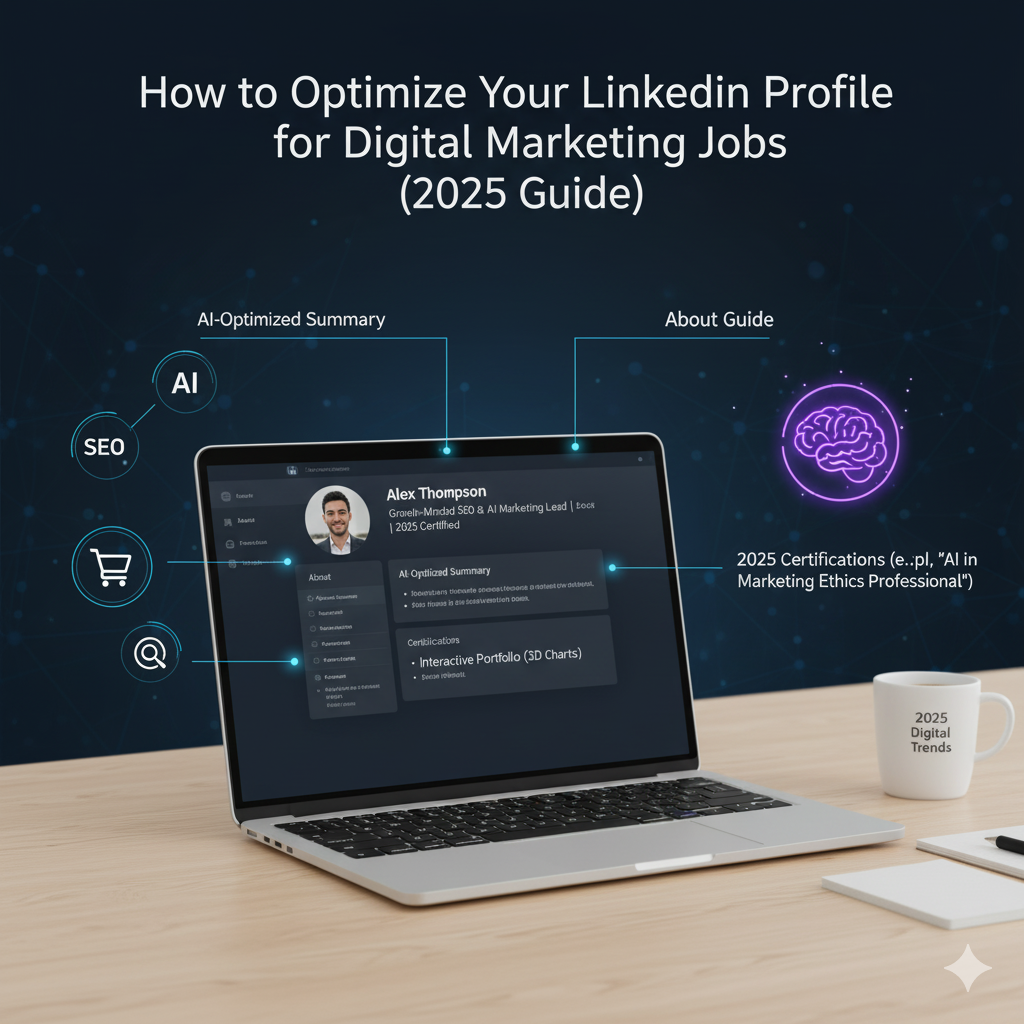
Why LinkedIn Profile Optimization for Digital Marketing Matters
The digital marketing landscape changes rapidly. Employers are looking for agility, data literacy, and creativity. A generic profile suggests a lack of effort—a deadly sin in our industry.
LinkedIn profile optimization for digital marketing is not just about filling out fields. It is about SEO (Search Engine Optimization) for your personal brand. Just as you optimize a landing page to convert visitors into leads, you must optimize your profile to convert recruiters into interview offers.
When done correctly, optimization ensures you appear in search results when hiring managers type “Digital Marketing Manager” or “Social Media Specialist.” It establishes authority before you even enter the interview room.
The Headline: Your First Impression
Your headline is the most critical real estate on your profile. It travels with your name everywhere—on comments, posts, and search results.
Moving Beyond Job Titles
Don’t just write “Digital Marketer.” That is too vague. LinkedIn profile optimization for digital marketing requires specificity. You need to state what you do and the value you bring.
- Bad: Digital Marketing Executive
- Good: Digital Marketing Specialist | SEO & SEM | Helping SaaS Companies Scale
- Best: Growth Marketer at [Company] | $1M+ Ad Spend Managed | PPC & CRO Expert
Incorporating Keywords
To rank high in recruiter searches, your headline must contain hard skills. If you specialize in email marketing, ensure words like “Automation,” “Klaviyo,” or “Lead Gen” appear. This is the core of LinkedIn profile optimization for digital marketing—aligning your headline with the terms recruiters are actively searching for.
Optimizing the About Section for Retention
If your headline hooks them, your About section reels them in. This is where you tell your story.
The Hook
Start strong. Do not begin with “I am a passionate marketing professional.” Instead, lead with a metric or a bold statement.
Example: “I turn confusing data into actionable marketing strategies that drive revenue. Over the last 5 years, I’ve helped e-commerce brands increase their ROAS by 200%.”
Structuring for Readability
Use short paragraphs. Digital marketers know that wall-of-text content kills engagement. Break up your text with bullet points.
List your core competencies:
- Search Engine Optimization (SEO)
- Paid Social (Facebook/Instagram Ads)
- Content Strategy & Copywriting
- Google Analytics 4 (GA4)
Embedding these terms naturally increases the keyword density for LinkedIn profile optimization for digital marketing without looking like spam.
Visual Elements: The Banner and Headshot
You cannot work in visual communication and have a poor visual presence.
The Background Banner
Your banner is free advertising space. Do not leave it default gray. Use tools like Canva to create a banner that highlights:
- Your Unique Value Proposition (UVP).
- Your portfolio URL.
- Icons of tools you use (HubSpot, SEMrush, WordPress).
The Headshot
Ensure your photo is professional yet approachable. A smile goes a long way. As a marketer, you want to appear personable. A high-quality image suggests attention to detail, a key trait for successful LinkedIn profile optimization for digital marketing.
Hacking the Experience Section
Many people treat this section like a copy-paste of their resume. This is a mistake.
Focus on Outcomes, Not Duties
Don’t say “Responsible for managing Facebook ads.” Say “Managed a monthly budget of $15k on Facebook Ads, achieving a 3.5x ROAS and reducing CPA by 20%.”
Media Integration
LinkedIn allows you to attach media to your experience. Upload case studies, screenshots of campaign performance (blurring sensitive data), or PDFs of content strategies you developed. Visual proof is the ultimate validator in LinkedIn profile optimization for digital marketing.
Skills and Endorsements
You can list up to 50 skills. Use them all.
Strategic Ordering
Pin your top 3 most relevant skills to the top. If you are applying for a Content Manager role, “Copywriting,” “SEO,” and “Content Strategy” should be visible immediately.
Ask colleagues to endorse you for these specific skills. High endorsement counts add credibility and improve your search ranking, a vital component of LinkedIn profile optimization for digital marketing.
Recommendations: Social Proof
In marketing, testimonials are gold. The same applies to your profile.
Reach out to former managers or clients. Ask them to specifically mention the project you worked on and the results you achieved. A recommendation that says “John is a great guy” is nice, but a recommendation that says “John’s SEO strategy increased our organic traffic by 40%” gets you hired.
Content Strategy: engaging with the Community
You can have a perfect profile, but if you are silent, you are invisible.
Commenting Strategy
Spend 10 minutes a day commenting on industry leaders’ posts. Add value. Disagree respectfully. Share an insight. This drives traffic back to your profile, where your LinkedIn profile optimization for digital marketing efforts will convert that traffic into connections.
Posting Your Own Content
Share your learnings. Did Google release a core update? Write a short post about how it impacts small businesses.
- Types of posts:
- “How-to” carousels.
- Case study breakdowns.
- Industry news analysis.
- Personal career wins and failures.
The “Featured” Section
This is often underutilized. The Featured section sits right below your About section. Use it to showcase your best work.
Link your portfolio website here. Feature your best-performing LinkedIn posts. If you have been a guest on a podcast or wrote a guest blog, link it here. This section serves as your portfolio highlight reel, crucial for LinkedIn profile optimization for digital marketing.
URL Customization and SEO Settings
Is your URL still linkedin.com/in/name-2938429? Change it immediately.
Go to “Edit public profile & URL” and change it to linkedin.com/in/yourname-digital-marketing. This small tweak helps Google index your profile faster.
Also, ensure your profile visibility is set to “Public.” You want to be found by everyone, not just your connections.
Advanced Tips for 2025
Creator Mode
Turn on Creator Mode. It changes the “Connect” button to “Follow,” allows you to display hashtags (e.g., #DigitalMarketing, #SEO) at the top of your profile, and gives you access to LinkedIn Live and Newsletters. This signals to the algorithm that you are an active contributor.
Video Introduction
Mobile users can upload a 30-second video introduction that plays when someone clicks their profile picture. Use this to deliver a quick elevator pitch. It adds a human element that text cannot convey.
Elevate Your Content with Adcreate Studio
Once your profile is optimized, the next step to domination is consistent, high-quality content creation. This is where many marketers struggle—they have the strategy but lack the creative execution.
Adcreate Studio bridges this gap.
Whether you need stunning visuals for your personal brand or high-converting creatives for your clients, Adcreate Studio offers the design firepower you need. Syncing your LinkedIn profile optimization for digital marketing efforts with high-tier creative assets from Adcreate Studio ensures that when recruiters look at your work, they see professional-grade quality.
Don’t let your profile be a hidden gem. Optimize it, create content that matters, and use the best tools available to stand out.